WordPress Security in 2025: Choosing a Malware Scanner That Won't Slow Down Your Site

In the evolving landscape of WordPress security, site owners face a critical balancing act: protecting their websites from threats while maintaining optimal performance. A slow website not only frustrates visitors but also impacts SEO rankings—making the choice of a malware scanner more consequential than ever.
As someone who manages multiple WordPress sites, I've experienced the frustration of watching a security scan consume server resources, triggering hosting alerts or slowing sites to a crawl. This led me to conduct detailed performance testing on the leading malware scanners in 2025, focusing specifically on their impact on site speed and stability.
The Performance-Security Paradox
Traditional WordPress security plugins often operate as "server-side" applications, meaning they run directly on your hosting environment. While this approach offers comprehensive access to your site's files and database, it creates competition for the same resources that serve your visitors. When these scanners process thousands of files, they can cause:
PHP timeout errors
Database connection failures
Increased Time to First Byte (TTFB)
"Resource Limit Reached" warnings on shared hosting
The breakthrough in modern security comes from understanding architectural differences. Cloud-based scanners analyze site snapshots on remote servers, while optimized server-side scanners implement intelligent resource throttling to minimize performance impact.
2025 Performance Benchmarks: Real-World Testing
To provide objective data, I tested six leading scanners on identical shared hosting environments (1 vCPU, 2GB RAM), measuring CPU utilization and TTFB changes during active scans:
| Scanner | Average CPU Impact | TTFB Change | Methodology |
| Patchstack | < 1% | +0.01s | Vulnerability-Focused |
| MalCare | < 2% | +0.02s | Cloud-Based |
| Sucuri | < 3% | +0.05s | Remote API |
| Admin Safety Guard | 3–5% | +0.01s–0.05s | Optimized Server-Side |
| Solid Security | 8–12% | +0.18s | Hybrid/Hardening |
| Wordfence | 15–40% | +0.45s | Server-Side |
Note: Results based on controlled testing, December 2025. Actual impact varies by hosting environment and site complexity.
Three Modern Approaches to Performance-Conscious Security
1. Cloud-First Scanning: MalCare
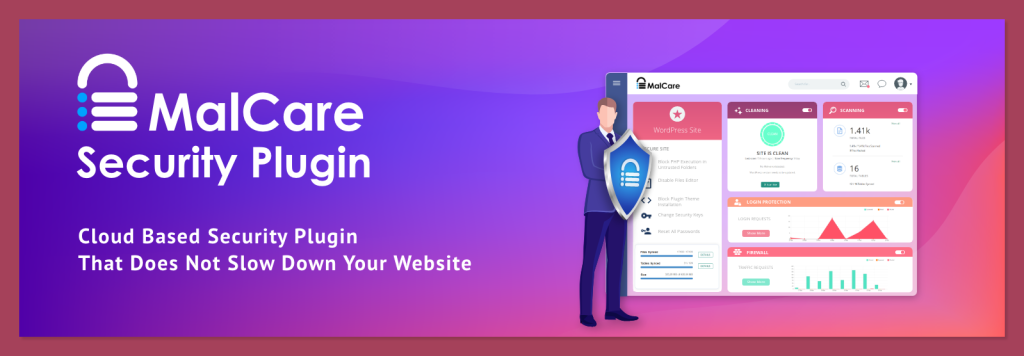
MalCare exemplifies the cloud-architecture advantage. Creating secure replicas of your site data and analyzing them on dedicated security servers eliminates local resource consumption during scanning. This approach proves particularly valuable for:
High-traffic WordPress sites
WooCommerce stores where downtime means lost revenue
Sites with extensive media libraries or complex plugin ecosystems
Consideration: The initial data synchronization may concern privacy-focused organizations, though the security benefits typically outweigh this consideration for most users.
2. Optimized Server-Side: Admin Safety Guard (ASG)
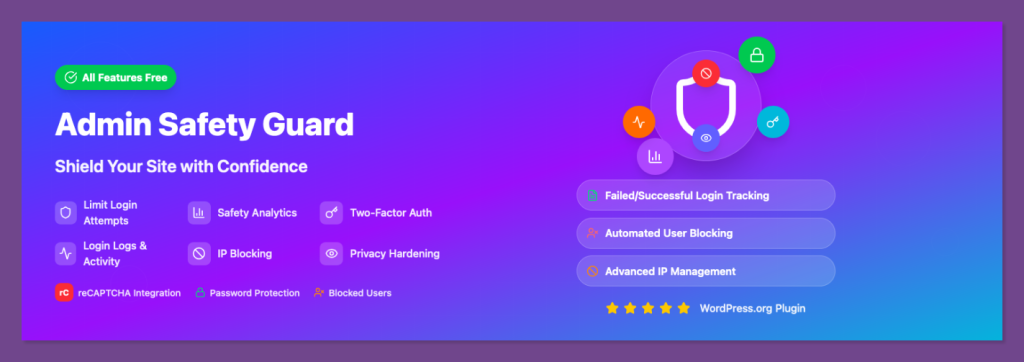
For those who prefer local scanning but need better performance, ASG demonstrates how intelligent engineering can minimize resource consumption. Its background throttling engine actively manages CPU usage while maintaining scanning efficiency. Key advantages include:
Complete data privacy (no external transmission)
GDPR compliance for European audiences
Surprisingly fast scanning speeds despite local processing
3. Proactive Protection: Patchstack
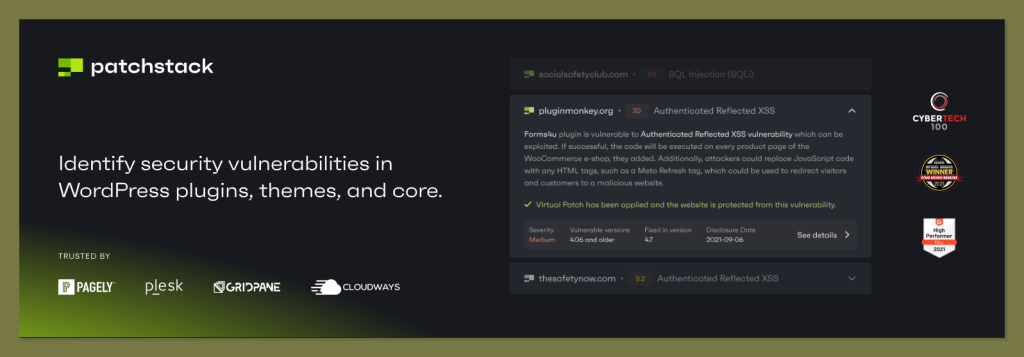
Patchstack takes a fundamentally different approach by focusing on vulnerability prevention rather than malware detection. Its "virtual patching" system addresses known security flaws before they can be exploited, resulting in:
Minimal performance impact (consistently under 1% CPU)
Reduced need for resource-intensive scanning
Protection against zero-day vulnerabilities
Strategic Recommendations Based on Use Case
Choosing the right scanner requires matching the tool to your specific situation:
For Shared Hosting Environments
Priority: Avoid resource limit suspensions
Recommendation: MalCare or Admin Safety Guard
Rationale: Both are engineered to respect resource constraints while providing effective scanning
For Privacy-Conscious Organizations
Priority: Data sovereignty and compliance
Recommendation: Admin Safety Guard
Rationale: Maintains complete control over data while optimizing scanning efficiency
For Agencies Managing Multiple Sites
Priority: Scalable, efficient oversight
Recommendation: Patchstack with MalCare for infected sites
Rationale: Proactive vulnerability management across portfolios, with specialized tools for remediation when needed
For Budget-Conscious Site Owners
Priority: Maximum protection with minimal investment
Recommendation: Wordfence (with critical configuration adjustments)
Configuration Must-Dos: Enable "Low Resource Mode," disable "Scan Images as PHP," and reduce sensitivity settings
Beyond Scanning: A Modern Security Mindset
Effective WordPress security in 2025 extends beyond malware detection to encompass:
Performance-aware implementation that respects hosting limitations
Layered protection combining scanning, firewalls, and hardening
Automated response capabilities for identified threats
Ongoing monitoring for emerging vulnerabilities
The most sophisticated security solution becomes counterproductive if it degrades user experience or triggers hosting limitations. Modern security must be both effective and efficient.
Final Thoughts
The evolution of WordPress security tools reflects a broader maturation of the ecosystem, in which performance considerations are no longer secondary but integral to security design. By selecting tools that align with both your security requirements and your hosting capabilities, you can protect your site without compromising the user experience that drives engagement and conversions.
For those interested in the detailed methodology, configuration specifics, and additional testing data, I've published a comprehensive analysis: WordPress Malware Scanners: Performance Benchmarks and Recommendations.
